Security Alert
Strong password? Give your crypto account a second lock.
You have chosen a long, unique password. Good. But what if someone still obtains it? An additional sign-in check can stop that password being enough on its own. You still need to understand what you approve.
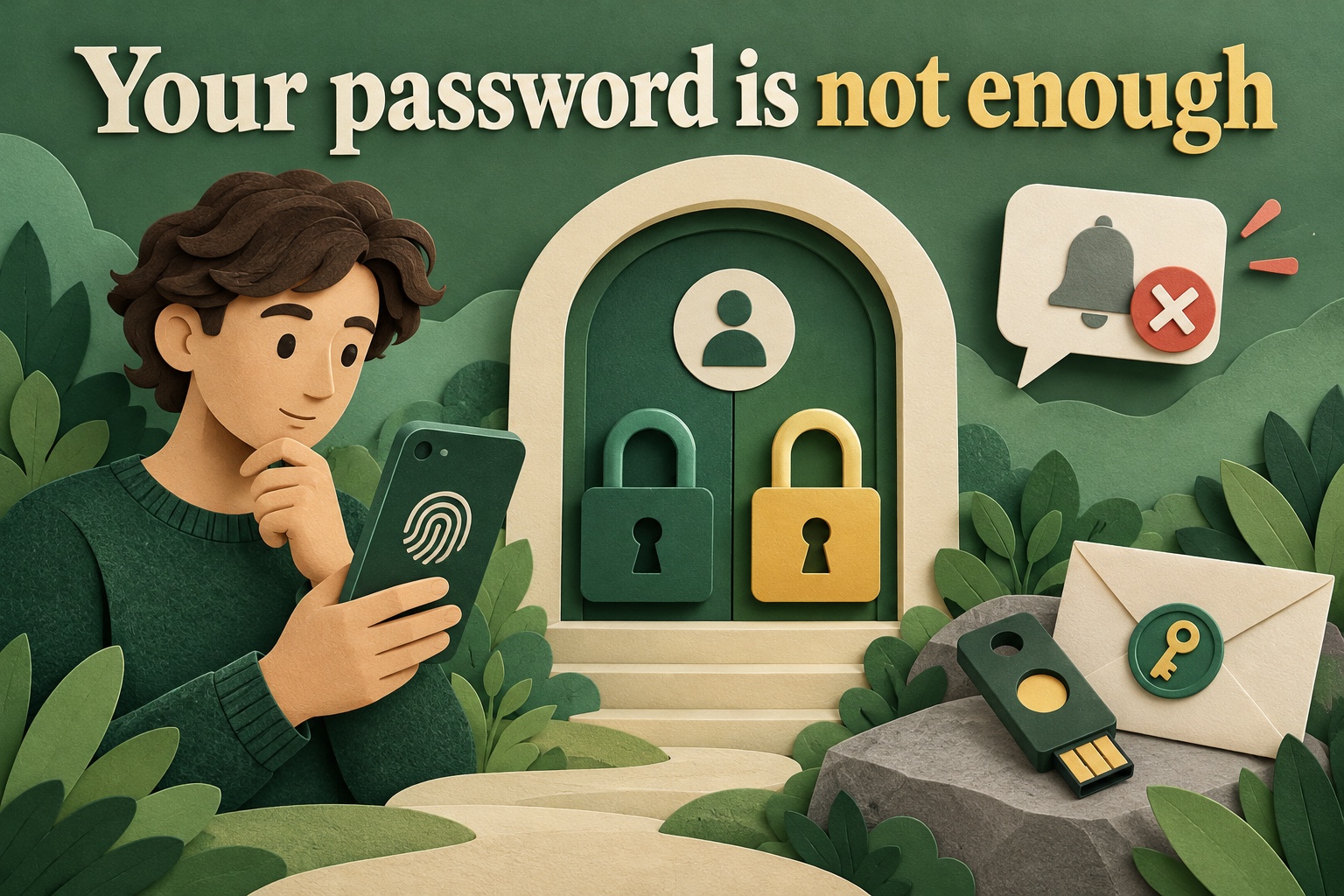
What does the second step protect?
This concerns an account with a service, such as a crypto exchange or your email provider. After your password, a second check may use an authenticator-app code, a phone approval or a security key. The available options vary by provider.
Typing the same password twice is not a second factor. The idea is that a stolen password alone should not be enough. Also keep passwords unique, so a leak at one website does not expose every account.
A code is not permission to click through
A temporary code can still be stolen through a fake website. A notification on your phone is not proof that you started the login either.
Fictional example: Noor receives a sign-in approval request during dinner. She is not signing in anywhere. She rejects it, then opens the official service herself to review security and recent activity. She does not approve merely to stop repeated notifications.
What is different about a passkey?
Where supported, a passkey can replace a password. You confirm on your device using, for example, its PIN, fingerprint recognition or face recognition. It is therefore not always another code on top of a password.
Passkeys are tied to the intended website or app, helping protect against entering a secret on a fake login page. They are not a guarantee against every risk: your device, account recovery options and the service itself still matter.
Plan for a lost phone
During setup, check how to regain access if your device is lost. A service may offer another security key, a different trusted device or one-time backup codes. Follow that service’s instructions and keep recovery methods secure and accessible without relying solely on that one device.
An account backup code is not the same as a crypto wallet recovery phrase. Both are secrets, but they restore different kinds of access. Do not send either to someone claiming to be support.
Do not forget your email
Email is often used for account recovery and alerts. Protect that access too. When replacing a phone, check that the new sign-in and recovery method works before removing the old option.
Open security settings from the official app or a known website address. An unexpected message saying “activate extra security now” is not, by itself, a trustworthy way to get there.
What does this not solve?
A stronger lock on your account does not automatically prevent a technical incident at the platform. It does not make a risky investment safe or undo crypto sent to the wrong destination. Personal account security and a service’s risks are separate subjects.
The useful habit: approve only sign-ins you started, choose a suitable verification method and prepare recovery before you need it. Then test your knowledge with the free quizzes at three levels.
Original sources & further reading
- Google — 2-Step Verification: password plus a second step, or a passkey
- Google — unexpected sign-in prompts
- Google — backup codes and keeping them private
- FIDO Alliance — passkeys and phishing-resistant sign-in
Sources checked on .