Getting Started
Your crypto is stuck. Sending again could mean paying twice.
You press send and keep staring at “pending”. Starting again is tempting. But a slow status does not tell you where the wait is happening. A few calm checks can help you avoid making a second payment while the first is still on its way.
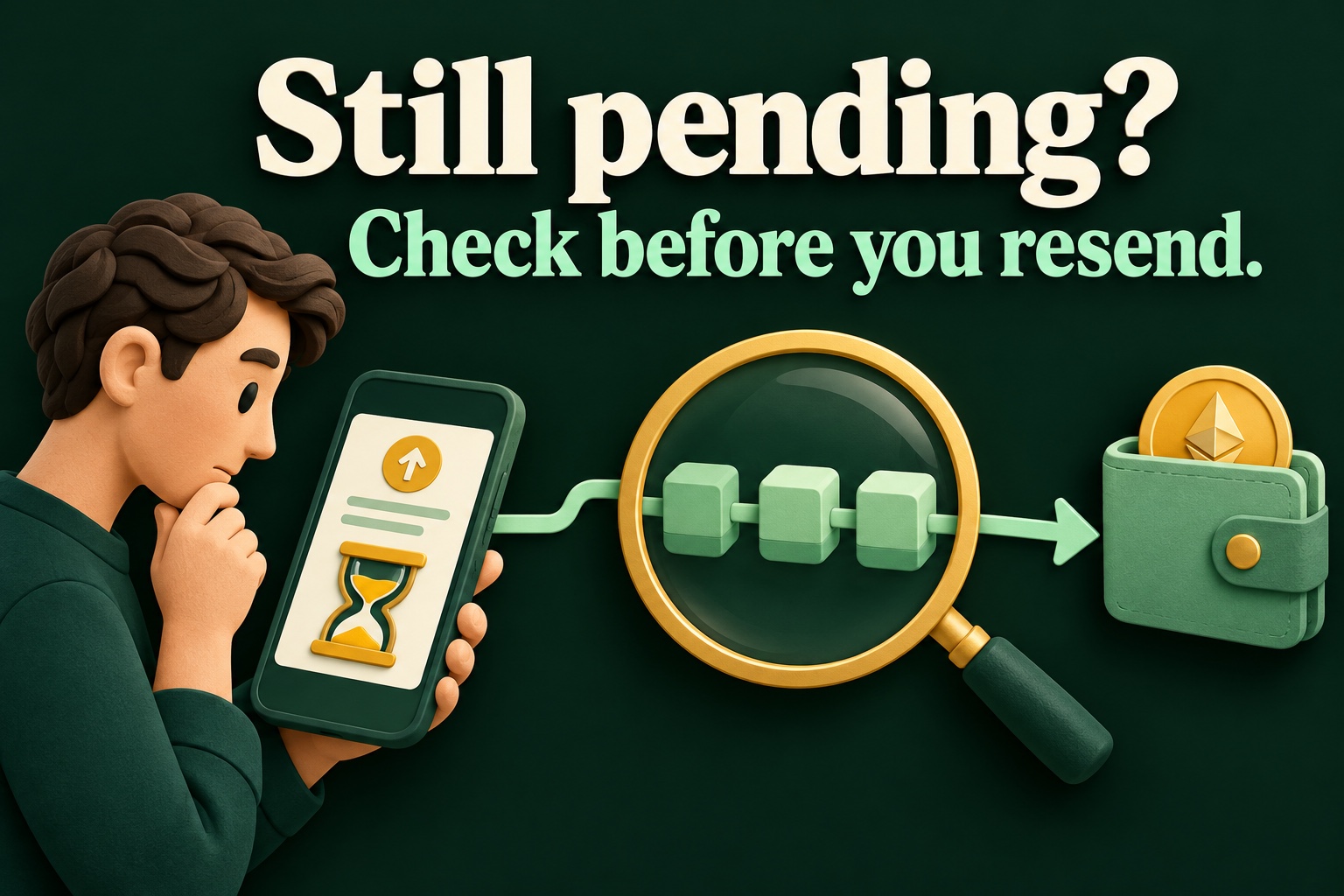
First, find out where you are waiting
There are different waiting rooms. A platform may still be processing your withdrawal request. A broadcast transaction may be waiting for inclusion in the blockchain. The receiving service may then require more confirmations before updating your balance. The same word “pending” can therefore describe different stages.
Start with the transaction history in the genuine app. Note the asset, network, amount and reference. An internal request number is not necessarily a blockchain transaction ID. If unclear, ask through official support what the displayed status actually means.
Inspect the existing payment
If there is a blockchain reference, open the corresponding explorer through your trusted wallet or official documentation. Compare the network and reference with the original instruction. Searching the wrong network can mislead you. Do not simply follow a link from an unexpected private message.
A record can show a transaction waiting, processed or failed. A processed record does not automatically mean a platform has credited your account. Check that service’s receiving requirements too. Share a public reference only where needed; it can reveal financial activity.
A fictional example: Noor tries a quick fix
In an imaginary practice situation, Noor sends a small amount to her second account. The screen keeps spinning. She opens a new payment for the same amount because she thinks the first click did not work. This can create a separate instruction. If both are valid and processed, she has paid twice.
Her calmer alternative is to find the existing instruction first and compare its status with the receiving side. She writes down which reference belongs to each attempt. That way, she does not have to rely on her memory or a spinning icon. This is a learning example, not an invitation to send money.
Speeding up is different from paying again
Some wallets, such as MetaMask on supported networks, offer a way to replace a pending transaction with a higher fee. This is a specific replacement of the same instruction. Creating an ordinary new payment is different. Read your wallet’s current explanation and check additional costs before confirming anything.
Cancellation is not a magic undo button either. An attempt is possible only under certain conditions while a transaction is pending. Once a payment is finally processed, you cannot simply reverse it from your wallet. Available features differ between networks and products.
A short routine for an anxious moment
Stop making new attempts first. Find the original instruction. Check its actual status, the correct network and the receiving service. Only then use official product guidance to decide whether waiting or an offered next step makes sense. An estimated waiting time is not a personal guarantee.
You do not need to guess the technical fix. A carefully described problem is more useful than five extra attempts: what did you do, what do you see and which reference belongs to it? Use the free quizzes to practise these decisions in advance. You can do that without making a real payment.
Original sources & further reading
- Ethereum — Transactions
- Coinbase — Pending crypto transactions
- MetaMask — Speed up or cancel a pending transaction
- Bitcoin — Confirmations and irreversible payments
Sources checked on .