Security Alert
Connecting your wallet: what are you actually allowing?
A website asks to connect your wallet. Another request follows: approve, sign or choose a spending limit. Those are different actions. Understanding the permission matters more than quickly reaching the next screen.
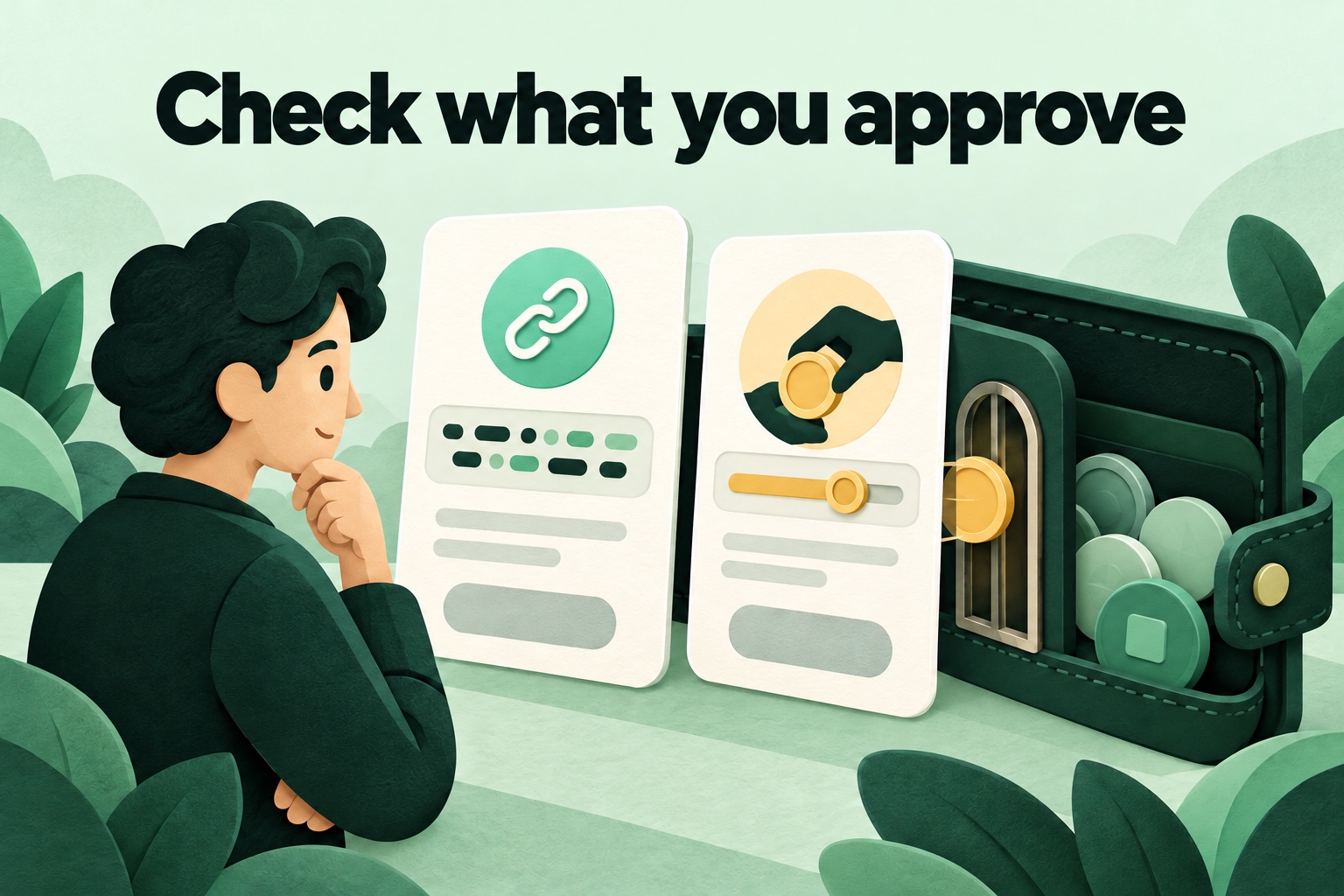
A connection is a first request, not the whole story
A wallet is an app or device used to control digital assets. A basic connection can let a website see your public wallet address and propose actions. Your public address is not your private key. That basic connection is different from permission for a program to move your tokens.
A website can still present several requests in a row. The second screen may have very different consequences from the first. Read each request separately rather than relying on the button that started the process. This article covers common token permissions around Ethereum and similar networks; the screens and features vary between wallets.
A spending approval gives a program room to act
A token is a digital unit recorded on a blockchain. Some services work through a smart contract: a program on that blockchain. Before carrying out an agreed action with your tokens, the program may need permission to use a particular type of token on your behalf.
That permission can include a spending limit. In a fictional example, you want to use ten tokens but the request asks for access to much more. The difference deserves attention. A smaller limit can reduce the possible size of a mistake; it does not make an unfamiliar service trustworthy. Check both the program receiving permission and the token involved.
Signing can do more than sign you in
A digital signature uses your wallet to confirm some data. Sometimes that means signing in to a website. Other types of signed message can authorize token spending. A request with no immediate network fee is therefore not automatically harmless. What matters is the information and authority you are signing.
Read whether the request concerns a login, a transfer or access to assets. If the description, amount or addresses are unclear, pause and consult the official wallet documentation. A message saying you must sign quickly to collect a reward does not remove the need to understand the request first.
Disconnecting and revoking are different
Removing a website from the connected-app list ends that connection. It does not automatically cancel existing token approvals. A program that already has permission may retain access under the approval’s conditions. MetaMask’s documentation explicitly explains this distinction. Closing a browser tab should not be treated as cancelling a spending permission either.
Revoking an approval means ending that particular permission. For many token approvals, this requires a new blockchain transaction and can involve a network fee. It does not return tokens already moved. An existing on-chain approval and a signed message that can still be used are not always the same thing, so do not assume one button cancels every possible permission.
Build a short reading habit
Before approving, consider four questions: which website am I using, what do I want it to do, which assets could the program use, and how broad is the permission? A polished design or a familiar name in a search result does not answer those questions. Open the official service yourself and check its address.
Review permissions you no longer need through your wallet’s official features or a tool you have independently checked. Avoid unexpected messages offering an urgent revocation link. If your recovery phrase has been shared, that is a different problem from an unnecessary approval. Follow the emergency guidance in the existing educational guide rather than assuming that disconnecting will fix it.
Original sources & further reading
- MetaMask — managing app connections and permissions
- MetaMask — revoking token approvals
- Ethereum ERC-2612 — approvals through signed messages
Sources checked on .