Security Alert
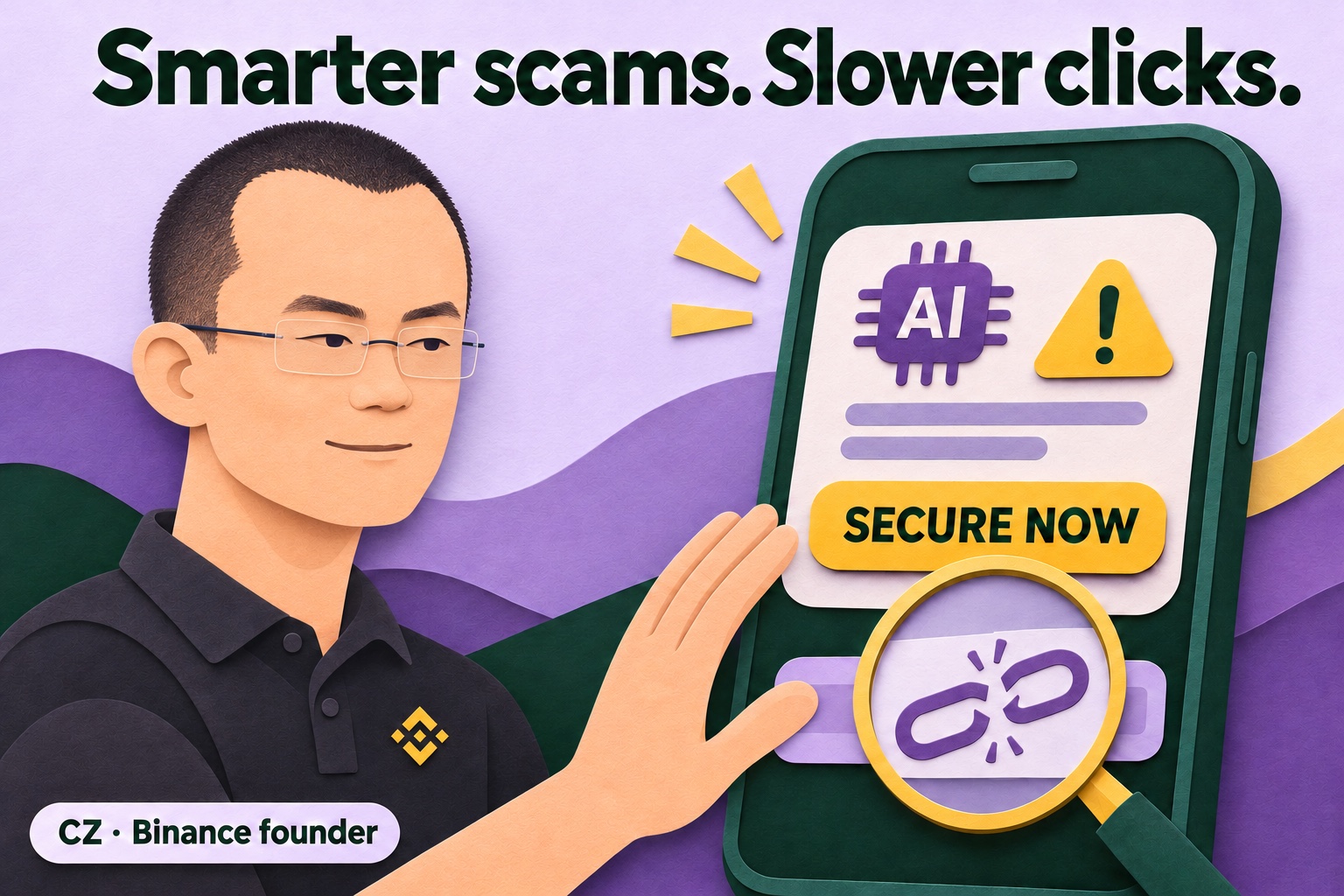
CZ warns about AI hacks. Your most dangerous click could be “Secure now”.
Original source published:
A message arrives: “Suspicious activity. Secure your crypto now.” The logo looks right, the writing is flawless and the button feels reassuring. That is precisely why you might fall for it. Binance founder CZ’s warning about AI and hacks is a useful reason to change one habit: check who is asking you to act before you follow the instruction.
What CZ says — and what it does not prove
Business Matters reported on 6 November that Changpeng Zhao, known as CZ, told the Oxford Union about three or four hacks a day in the preceding week. That is his statement, not an independently established daily average. The official interview appeared on 5 November. Here, it provides context for a practical safety lesson.
AI can make old tricks more convincing
A scammer does not need to invent a magical new attack. AI can help write convincing messages, investigate weaknesses and analyse information. The UK’s National Cyber Security Centre describes an acceleration and improvement of existing attack methods in particular.
For you, this means awkward writing is no longer a dependable warning sign. Polished text does not prove who is behind it. Equally, a typo does not automatically mean fraud. Look at the sender, the destination and, especially, what you are being asked to do. Must you suddenly log in, install something or share a secret code?
Think of convincing packaging around the wrong product. Better packaging does not remove the need to check the contents. You do not have to work out whether AI wrote a message before refusing a suspicious instruction. The requested action matters more than a guess about the technology behind the words.
The “Secure now” button can be the trap
Imagine Noor receives a message from a supposed security team after reading about a crypto hack. She has ten minutes to “validate” her wallet again. This is a fictional example, not a new report about Binance. The link opens a professional-looking page asking her to enter her recovery words.
Those words provide access to her wallet. They are not a customer number and never belong in a support chat or on a website someone sends her. A familiar name at the top changes nothing. MetaMask, for example, explicitly warns that its staff will never ask for those recovery words.
Noor closes the message and opens her trusted app herself. Using the help available there, she checks whether anything actually needs attention. She does not use a phone number, QR code or second link in the same suspicious message as verification. That would mean trusting the same sender again through a different route.
Protect your account and understand the limit
Use a unique password for your account and enable additional login protection. Keep your device, browser and wallet software updated through their usual update channels. Do not install a “security update” supplied in a message by an unknown helper. Someone displaying a countdown does not make their deadline legitimate.
Also distinguish your account from the platform itself. Extra login protection can make unauthorised access harder. It does not automatically prevent a fault in a crypto exchange’s own systems. A well-protected account therefore does not prove that every risk to your funds has disappeared. No button can promise that, however reassuring its label sounds.
What about a VPN?
A trustworthy VPN can add network privacy, for example while travelling: it encrypts traffic between your device and the VPN service. You still need to trust that provider. HTTPS already protects the connection to a website; public Wi-Fi therefore does not automatically let everyone read your password.
A VPN does not check whether a “support agent” is honest. It cannot make a phishing page trustworthy or protect recovery words you hand over yourself. An encrypted connection can still lead to the wrong recipient. Use a VPN for its actual purpose, rather than treating it as permission to click anything.
AI can also help defenders
CZ expects AI to help make systems safer over time. That is an expectation, not a security guarantee for today. Defenders can also use AI to look for weaknesses. Proper checking and follow-up remain necessary.
Your practical benefit starts smaller: fewer decisions under pressure. If an unexpected security message arrives, stop, open the genuine app yourself and check the requested action. This takes a little attention. A reassuring button deserves your trust only after you have checked the sender and the purpose.
Original sources & further reading
- Oxford Union — official CZ interview, published 5 November 2026
- Business Matters — reporting on CZ’s comments, 6 November 2026
- NCSC — Impact of AI on cyber threat from now to 2027
- CISA — Four easy ways to stay safe online
- NIST — Phishing: verify requests independently
- MetaMask — Basic safety and security tips
- FTC — Public Wi-Fi, HTTPS and fake websites
- EFF — Choosing the VPN that’s right for you
Sources checked on .