Getting Started
A hardware wallet can approve a mistake. Check before you sign.
A hardware wallet can help isolate your keys. It does not know what you intended. Approving without looking can still authorise exactly the wrong action. That small screen deserves your attention.
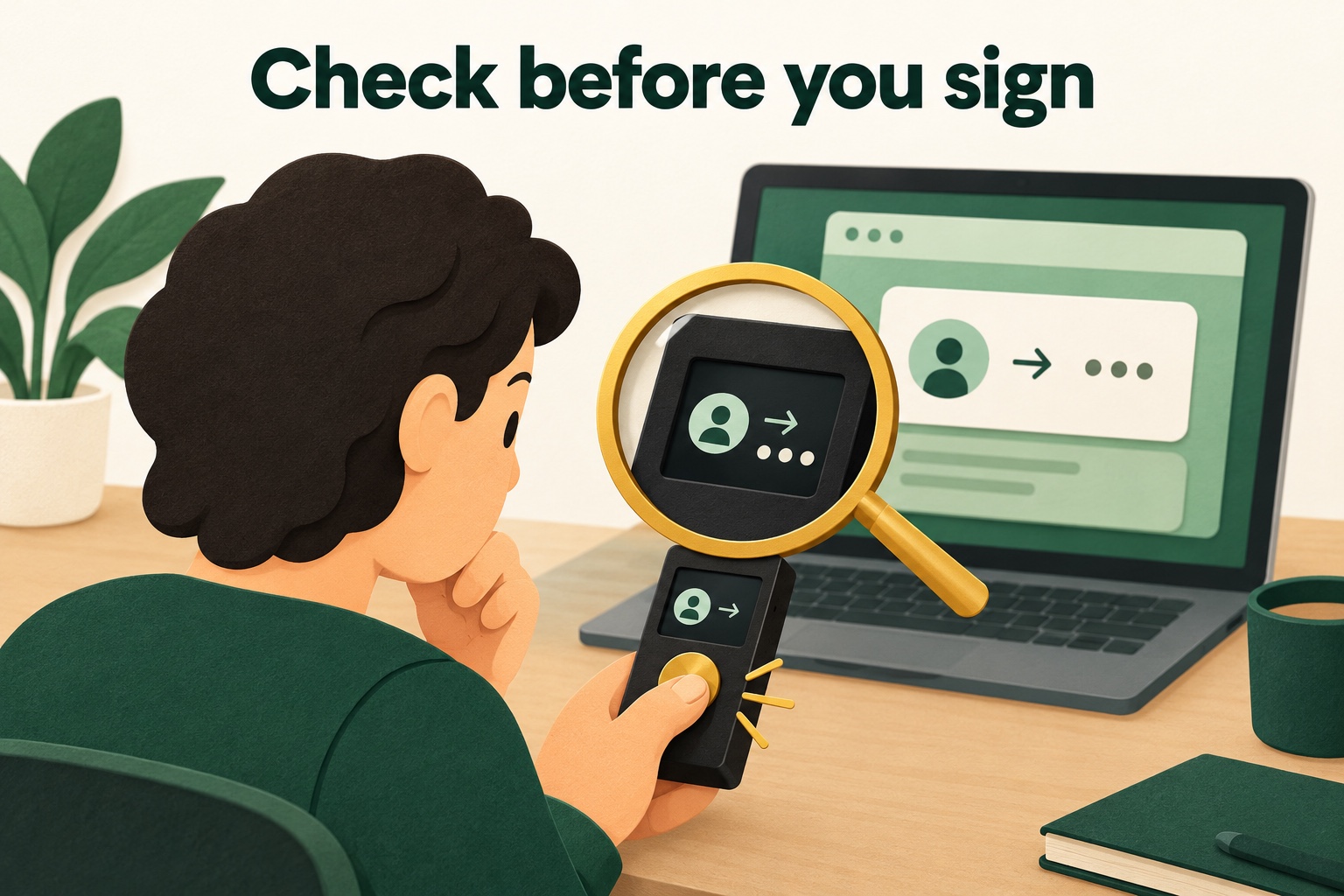
A signature is your permission
With a hardware wallet that has its own screen, you usually prepare an action in an app on your computer or phone. The separate device then shows what it is about to sign. Screens and capabilities vary by model and application.
Think of the device as a signer, not someone who can guess your intentions. A correctly signed request can still send to the wrong address or grant an unwanted permission. Physical confirmation does not replace your judgement.
Why compare two screens?
A fake app, malware or a copying mistake can put a different address into a request. The independent screen of a hardware wallet designed for this purpose gives you another place to check the details. Compare them with the action you actually intend.
For an ordinary transfer, check the full destination address, amount, selected asset and the fees and network information shown. Not every device displays everything in the same way. Understand the available details and also check that the receiver supports your chosen route. If something differs, do not approve.
An everyday example
Fictional example: Sam wants to send crypto to his own second wallet. The laptop shows the expected address. The device shows a different one. Sam cancels. He does not try anyway on the assumption that the hardware wallet must know what is safe.
He checks the destination again through the trusted receiving wallet and investigates the mismatch. Reconnecting a cable does not explain the difference. First, he needs to understand why the screens disagree.
Receiving needs a check too
Before using a receiving address from your hardware wallet, display it on the device using the official instructions. Compare it with the address you pasted into the sending service. This helps check that it was not replaced along the way.
Matching addresses do not automatically establish that the selected token and network are supported. Check those separately. A hardware wallet generally need not stay connected to receive at an already verified address; follow the guidance for your wallet.
What if you cannot read the request?
Some requests show unintelligible data or too little explanation of the permission. This is often called blind signing: you sign without being able to check the full meaning. A button on a secure device does not make that request understandable.
Where supported, clear signing can display details in readable form. Availability depends on the wallet, application and request. If you do not understand the permission, stop. Do not disable a warning simply because a website tells you to.
What the screen cannot promise
A device cannot establish that a seller is trustworthy, an investment is sensible or a contract is risk-free. Even a readable request still needs to match your intentions.
The useful habit is simple: read, compare and understand before deciding. Practise with the free quizzes at three levels. You do not need to buy or send anything to learn which questions to ask.
Original sources & further reading
- Trezor — what the trusted display verifies and its limits
- Trezor — receiving crypto and checking the device address
- Ledger developer documentation — clear signing and unreadable requests
Sources checked on .