Getting Started
Check your wallet download before you install
A familiar wallet logo is easy to copy. Before choosing how to use a wallet safely, check where the app or browser extension comes from. The route to the download matters just as much as the name shown beside its icon.
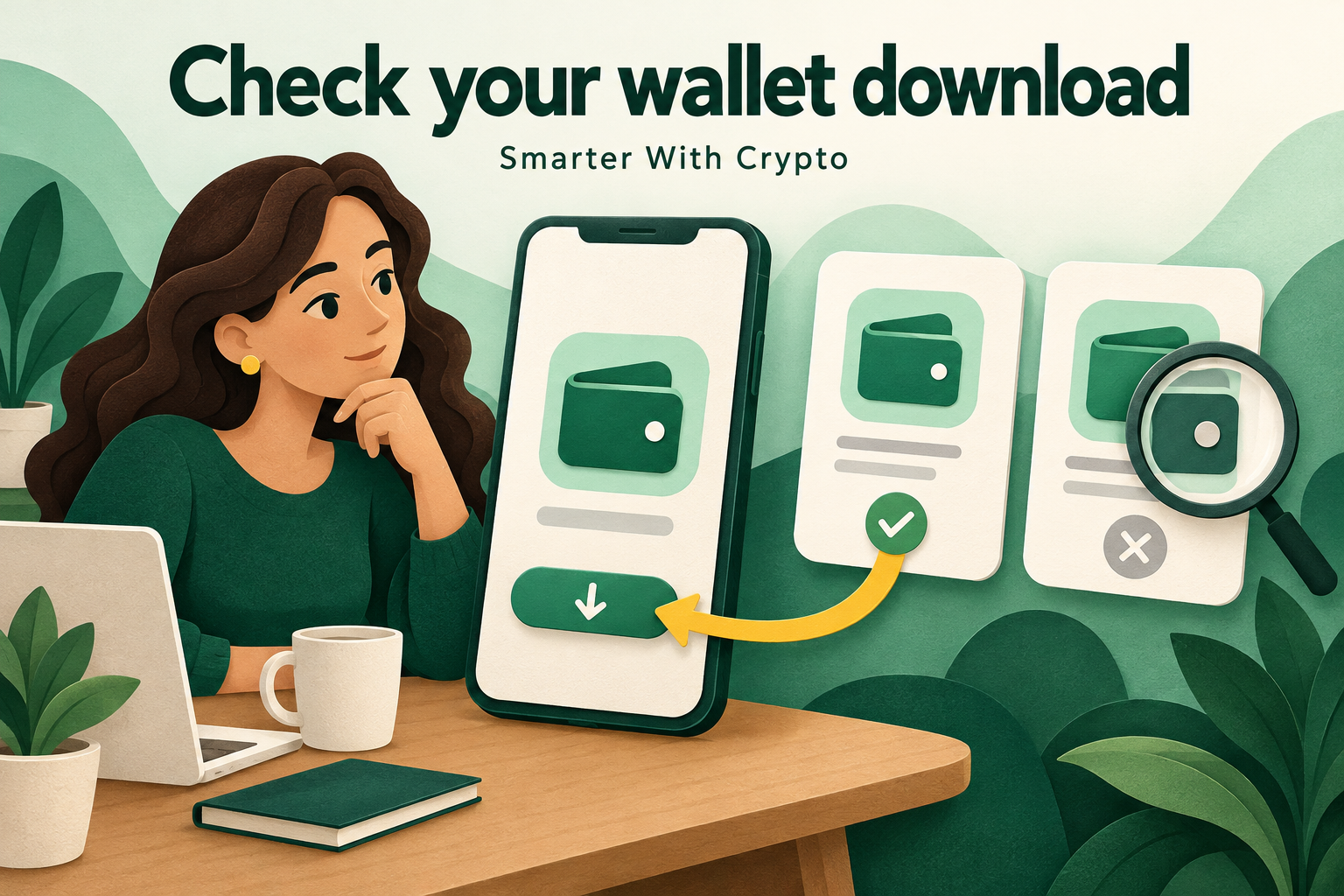
A convincing copy is still a copy
Imagine Noor looking for a wallet on her phone. A message offers a faster download and shows a familiar logo. The screen looks polished and other people appear to recommend it. Noor pauses and opens the provider’s independently checked website instead. This is a fictional example, not a report about a particular product.
The useful question is not whether the picture looks right. It is whether the download route and app identity match what the genuine provider currently publishes. The same caution applies to a mobile app, a browser extension and a website pretending to be an installed wallet. Each needs its own check.
Choose the route yourself
Start from an official source you have established independently, rather than a link in an unexpected message. Follow that provider’s current installation instructions to the appropriate store or extension listing. A search result, sponsored placement or forwarded screenshot is a starting point to examine, not proof that you found the right provider.
Read the actual web address and destination before continuing. Similar spelling, a copied page design or a familiar name inside a longer address can mislead. If the route is unclear, stop and find the provider’s official help through a separate trusted route. Do not use contact details supplied by the suspicious page to verify itself.
Compare identity, not popularity
Compare the app or extension name, its publisher and the listing reached from the provider’s own instructions. Check that the platform and installation method are the ones described. A request to install a separate file from a stranger deserves particular caution. Do not treat a logo, download count or enthusiastic reviews as an identity check.
These checks reduce avoidable mistakes; they do not prove that any software is risk-free. A genuine wallet still needs careful setup, appropriate recovery arrangements and compatible networks. Download verification is one part of learning to use it, not a ranking of wallets or a guarantee about future transactions.
Understand a request for recovery words
Some wallets use a secret recovery phrase; others have a different recovery design. For a phrase-based wallet, distinguish creating a new wallet from restoring an existing one. Understand which genuine app screen you are using before entering anything. A request presented as urgent routine verification is a reason to pause.
MetaMask explains that its legitimate recovery flow can appear as a full-screen extension page. That does not make an ordinary website asking for recovery words legitimate. A support agent, chat message or unrelated form should not receive those words. Putting an existing phrase into a fake wallet may expose the assets it controls, even without a separate transfer approval.
If you already installed something doubtful
Stop adding money or entering more secrets until you understand what happened. Preserve the app name and the public download route for investigation, without taking screenshots of recovery words. Seek the real provider’s support independently. Simply deleting an app does not establish that a phrase you entered there remains private.
If a secret may have been exposed, explain that fact to the genuine support service and follow its current incident guidance. Avoid recovery offers arriving in private messages. You can practise identifying a source and understanding recovery without installing another wallet or moving funds. The free quizzes on this website let you test the reasoning at three levels.
Original sources & further reading
Sources checked on .