Getting Started
AI says “safe”. Your wallet asks for access to your money. Now what?
You want to try a Web3 service. Your wallet shows unfamiliar terms and an AI says you can proceed. That sounds convenient, but who is receiving which permission? Use AI to understand the request. Do not let a reassuring sentence make the decision about your money.
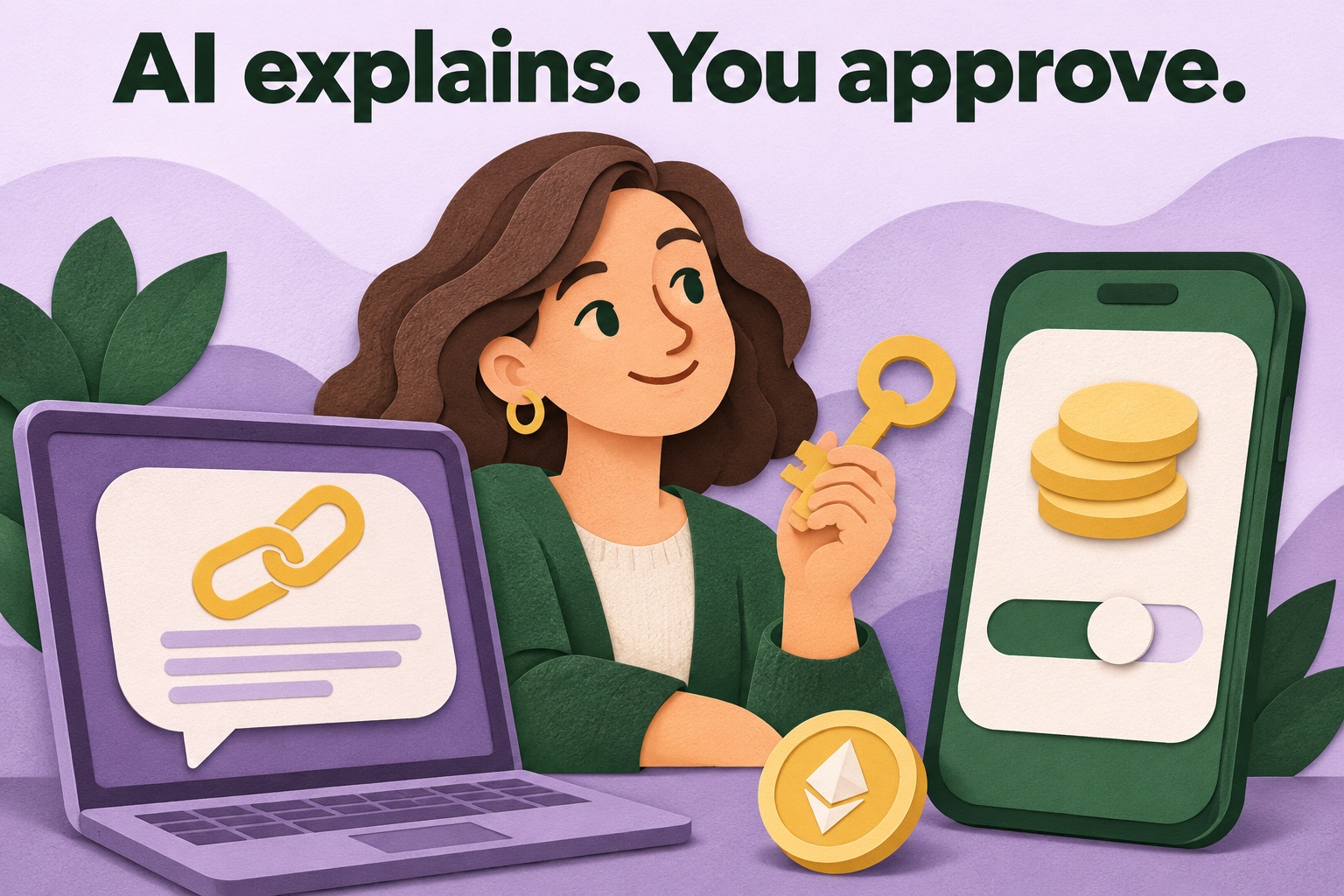
An explanation is not a security assessment
A text assistant can translate unfamiliar terms into everyday language. That helps when you see “spending cap”, for example: a limit attached to a particular permission. The useful result is an explanation you can compare with the actual wallet request. The assistant does not need access to your wallet to provide it.
Summarising a request does not prove that a website or the program behind it is trustworthy. A chatbot can misunderstand details or miss information. Instead, ask what the request would allow and what remains unknown. The word “safe”, without evidence you can check, does not give you enough information to decide.
Connecting and spending are different actions
Connecting a wallet generally lets a website see your selected public address and send requests. This is different from permission to spend tokens. A token approval gives a particular program a spending right for a token, subject to a limit. Read which permission is actually being requested, rather than relying on a general label.
“Signing” alone does not describe the effect either. Some signatures can enable permissions without a network fee at that moment. Signing for free therefore does not automatically mean harmless. If you do not understand a request, stop and consult the explanation provided by the official wallet or service before making a decision.
Fictional example: Milan wants to use twenty tokens
Milan wants to exchange twenty tokens with an invented service. His wallet requests a spending cap of two thousand tokens. An AI summarises this as “connecting your wallet”. Milan compares that explanation with the real screen and notices that the permission is much broader than the action he intended to perform.
He checks the asset, network, program receiving permission and limit. If the request does not match his intention, he does not approve it. He first investigates why a broader limit was requested and whether a smaller allowance is possible. This example is fictional and does not describe a real provider.
A smaller cap limits a particular spending right, but does not make an unknown program trustworthy. A program allowed to spend only a little may still be unwanted. Check both the scope of the permission and the service’s identity and purpose. Changing the amount alone is not a complete assessment of the request.
Let AI prepare useful questions
Try this instruction: “Explain this public example of a wallet request simply. Distinguish connecting, signing and spending permission. Identify the asset, network, recipient of the permission and limit that are visible. Flag missing information. Do not call it safe just because there is little text or no network fee.”
Prefer a fictional or public example. Remove personal details from screenshots. Never provide recovery words, passwords or secret keys. Do not blindly copy an address suggested by AI into your wallet either. Compare the relevant details with the real wallet and the official documentation you have opened yourself, instead of trusting a generated link.
Check what the explanation cannot establish
Is the whole request visible or just a cropped screen? Is the network known? Can you verify the connection between the website and the program named in the request? If essential information is missing, a long AI explanation cannot fill the gap. Ask for a list of uncertainties instead of a confident verdict.
An assistant may also downplay a warning or confuse normal use with unlimited permission. Read the wallet’s own warnings. An explanation that reassures you while the actual request says something else is a reason to pause. You do not have to sign anything in order to learn what the terms mean.
Finished with the service? Check existing permissions
Disconnecting a website does not automatically remove previously granted token permissions. MetaMask describes revocation as a separate blockchain action, usually requiring a network fee. Follow official wallet instructions to review existing allowances. Revoking an allowance does not bring back tokens that have already been lost or transferred away.
AI can help you understand those instructions and prepare your own checklist. Do not let it choose an unfamiliar recovery website or sign on your behalf. The practical benefit is a more focused check and possibly avoiding excessive permission. The final comparison remains between your intention and the actual request shown in your wallet.
Original sources & further reading
- MetaMask — token approvals and spending caps
- MetaMask — revoke smart contract allowances
- MetaMask — signature phishing and permission signatures
- Google — limitations of Gemini answers
Sources checked on .